Instrumental Maker With AI: Two Takes From One Description
Write what the track is for, the tempo and the instruments you hear, and this instrumental maker returns two full takes with no vocals that play right under the box. Tap a style to start from a ready description; generating needs an account.
- No vocals
- Two takes
- MP3
What the instrumental maker stacks under one sentence
Every take is built in layers, and the drums are the floor. Here is a slow groove growing one part at a time; the AI writes the music that sits on top.
- 01
Kick alone
Three hits that set the pulse. Chords will later change on the first one.
80 BPMKick - 02
A backbeat snare
The backbeat. A melody line tends to breathe in the space before it.
80 BPMKick Snare - 03
Hats and a rim
Swung eighths with a few ghost notes; this is where the mood starts.
80 BPMKick Snare Closed hat Rim - 04
An 808 under the kick
Low end on the kick hits. The AI replaces it with a moving bass line and adds the chords.
80 BPMKick Snare Closed hat Rim 808 bass

You do not program those layers here. You name them in plain words: lo-fi drums, a soft piano, a slow bass. The instrumental maker decides where each note goes and gives you two different answers to the same request.
If you would rather place every drum hit yourself, you can make a beat in your browser for free and then let Make it a full beat add the rest.
Instrumental song maker or vocal remover: pick the right one
People search for an instrumental maker with two different jobs in mind. Find yours in the left column.
| You have | Go to | You get |
|---|---|---|
| Nothing but an idea | The AI box above | Two fresh takes written to match your words |
| A song with vocals | The vocal remover | The original arrangement minus the singer, plus the vocal on its own, as two MP3 tracks |
| Your own drum pattern | The beat maker, then Make it a full beat | Two full takes built from your style and tempo |
The middle row keeps the song you already know; the first row writes something new. For the step by step version of the second job, read how to turn a song into an instrumental.
Instrumental tempos for videos, study and practice
Pick the job first, then the speed. Each bar shows where tracks for that job usually land; put a number from it into your description.
- Study, background70-85
- Video score90-110
- Dance floor124-128
- Workout120-130
Slower than 70 starts to sound like ambient drift; faster than 130 suits running clips and club edits. Changing only the tempo in an otherwise identical sentence is a good way to hear how much it shapes the mood.
Make an instrumental from one sentence
Four steps, from an empty box to two takes. The description can be up to 500 characters.
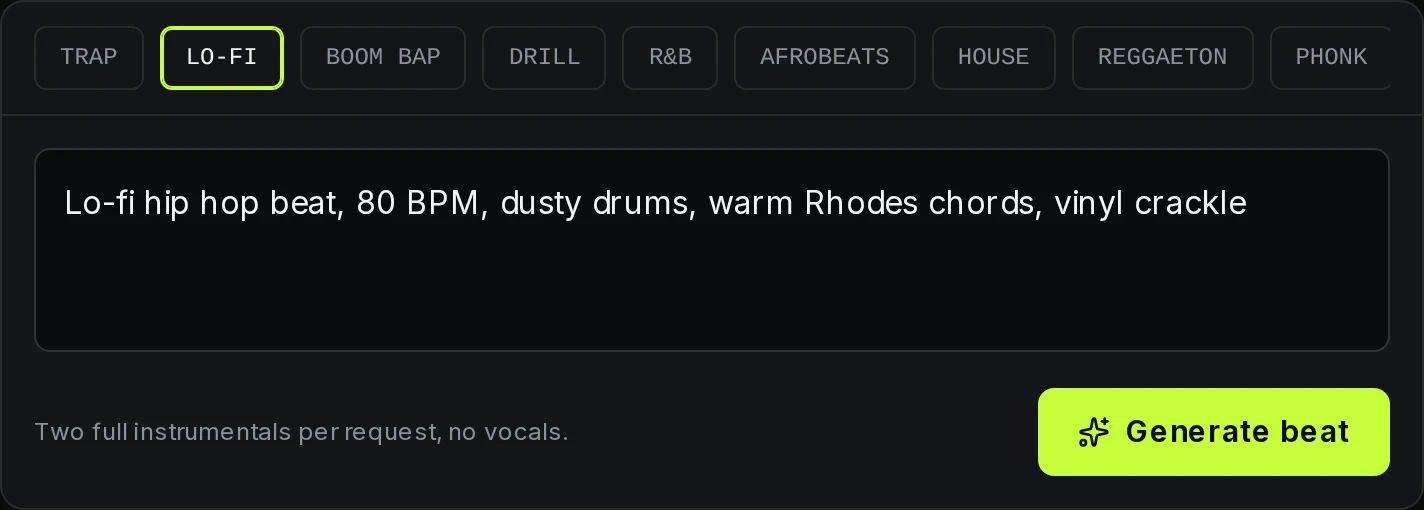
01Tap a style
Nine starters fill the box with a ready description, from Trap to Phonk.
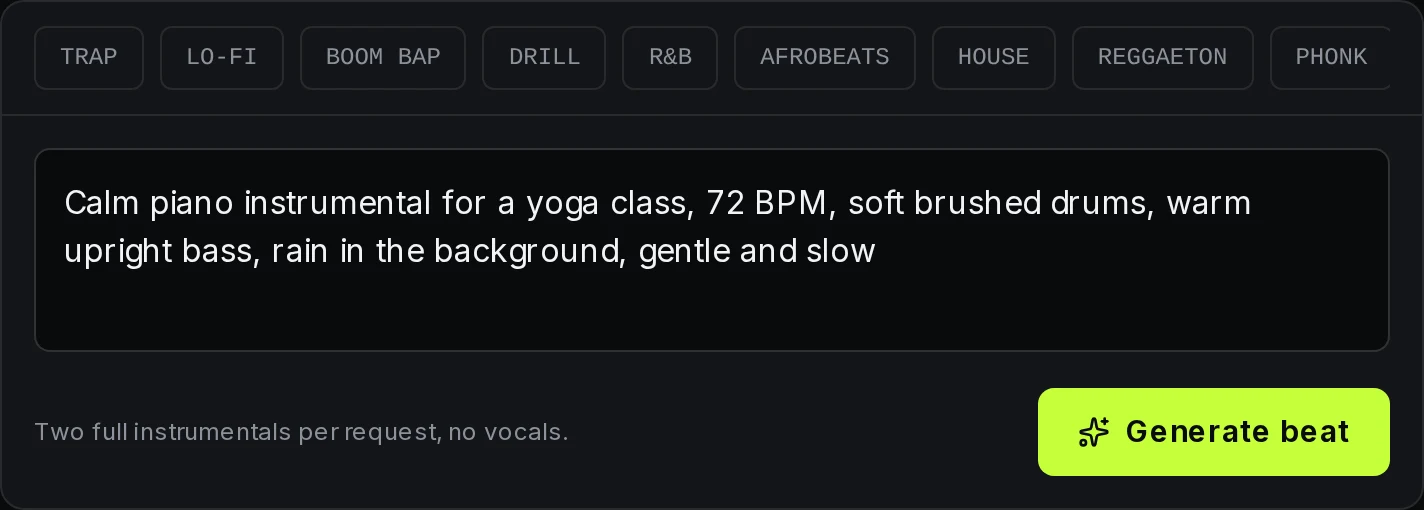
02Rewrite it
Change the use, tempo, mood and instruments until it reads like your track.

03Generate beat
Press the button. If you are signed out, it opens sign in first.
04Play both takes
Two players appear under the box; each take also opens on its own page and stays in your library.
This box does not accept a reference track, and it does not read drum patterns; for those, use the beat maker and Make it a full beat. The ai beat generator page has the same box with sample results to listen to first.
Piano beats and other lead sounds in an instrumental
A good description names the use, the style, a tempo, a mood and three to five instruments. Select one of these, paste it into the box and change what does not fit.
- Video backgroundLight acoustic instrumental for a travel vlog, 100 BPM, sunny and easy, fingerpicked guitar, hand claps, soft shaker, glockenspiel
- Practice backingSlow blues backing for guitar practice, 80 BPM, A minor, relaxed, brushed drums, walking bass, Hammond organ
- Study sessionCalm study instrumental, 75 BPM, hazy and warm, mellow jazz guitar, soft kick and snare, upright bass, light rain
- Piano trapPiano trap instrumental, 140 BPM, dark and emotional, sad grand piano melody, hard 808s, rolling hi hats, soft strings
- Wedding entranceWedding entrance instrumental, 72 BPM, romantic and bright, string quartet, grand piano, harp, soft timpani swell
Piano can only be asked for in words. You cannot write the notes yourself, so if a take plays the wrong part, describe the piano differently: sparse chords, a high melody, or a low left hand.
Check an instrumental take before you use it
A minute of checking saves a re-edit later. Go through this list with the take you plan to keep.
- Tempo: drop the take into a page that will read the tempo of an audio file, then line it up with your video cuts.
- Key: a song key detector tells you whether a singer or a guitar part will fit.
- Length: play it through; if it ends early, generate again or loop a section in your editor.
- Vocals: listen once on headphones for any voice-like synth before you lay your own vocal on top.
- Rights: for a commercial project, check that your plan includes the Commercial License certificate.
When a take passes the list, the instrumental maker has done its job. If neither take fits, rewrite one detail and ask again rather than starting over.
Instrumental maker questions
Credits, vocals, songs you already have and rights.
Is the instrumental maker free?
You start free with welcome credits on a new account. After that each request uses credits, and a request that fails is refunded.
Will the takes have vocals?
No. Instrumental is always on in this box, so both takes come back without singing or lyrics.
Can this box strip the singer out of a finished song?
Not in this box. The vocal remover takes your file and gives back the vocal and the instrumental as two tracks.
Is there a control for duration, BPM or musical key?
Duration has no setting at all, while a BPM or key written in the description only steers the model, so check both on the take you keep.
Can I use an instrumental commercially?
Subscribers on the plans that include it can download a Commercial License certificate for each finished track. Free accounts can listen and share online.
Do I need to download any software?
No. The box works in any current browser, and the music is made online rather than on your device, so a phone is enough.